
Can Your Database Run Python Without Leaving SQL? A Developer’s Guide to Exasol UDFs

A retailer wants to flag potentially fraudulent transactions as part of a nightly batch query by scoring transaction data against a trained model. One approach is to export the data, run it through a separate Python service, and load the results back in. That round trip introduces additional processing, infrastructure to maintain, and another governance boundary when data leaves the database.
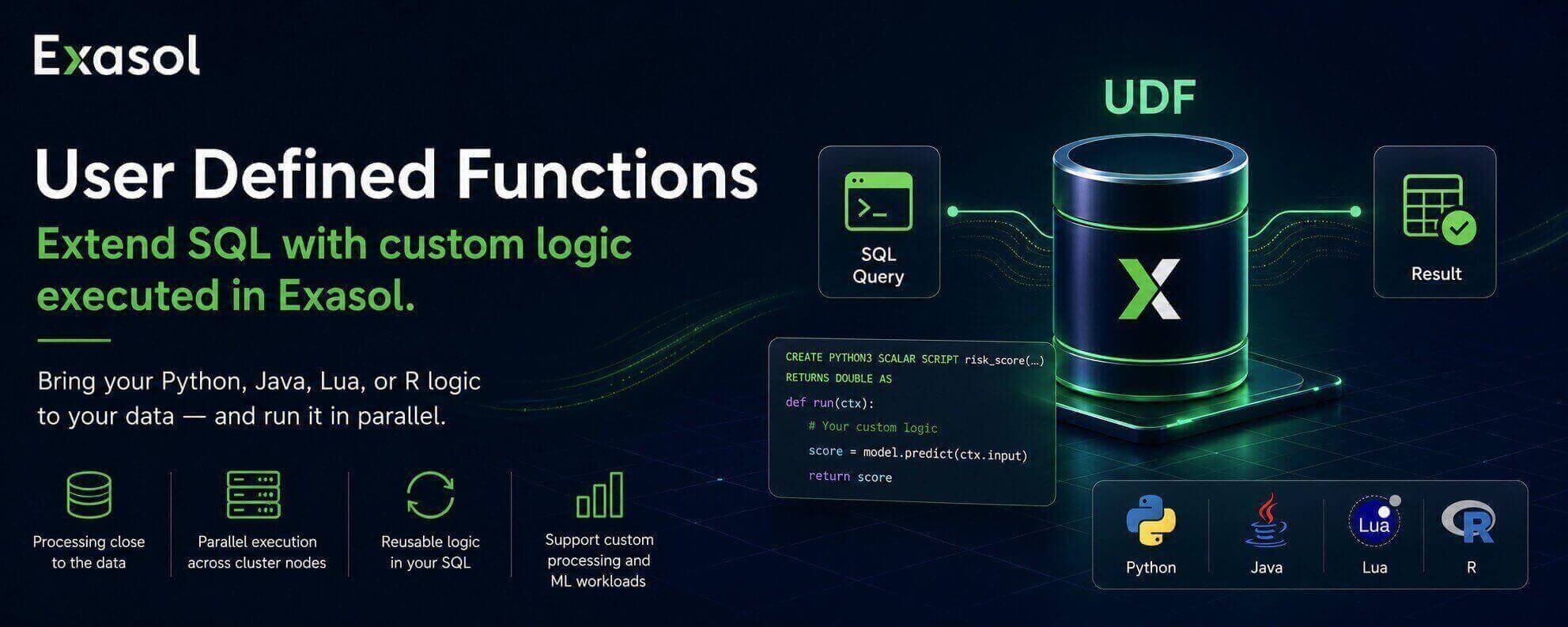
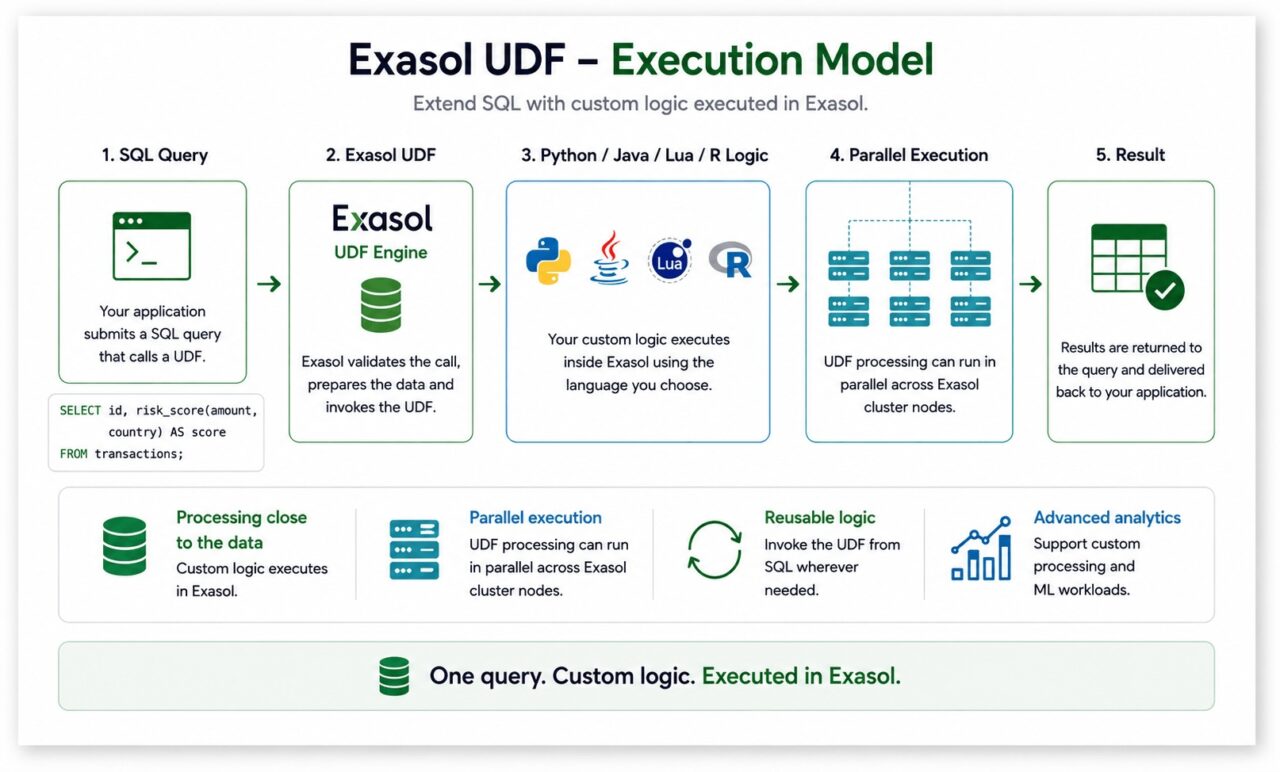
Exasol User Defined Functions (UDFs) provide another option. They let developers implement custom processing in Python, Java, Lua, or R and invoke that logic from SQL. UDFs execute in parallel across an Exasol cluster, allowing custom logic to run close to the data.
SQL: Where It Starts
From SQL, a UDF behaves like another function. You define the custom logic once, then call it from a query whenever you need it.
In Exasol, UDFs are created with CREATE SCRIPT. The definition specifies the language, inputs, outputs, and custom logic.
Python: Writing the Logic
A Python UDF defines its processing logic in a run() function. Depending on the UDF mode, that logic can process individual rows or groups of rows.
Inside the function, developers can use Python constructs such as conditions, loops, and library calls while using the UDF API to read inputs and emit results.
A minimal Python UDF looks like this:
CREATE OR REPLACE PYTHON3 SCALAR SCRIPT TEST.PYTHON_DEMO()
RETURNS VARCHAR(2000) AS
def run(ctx):
return "Minimal Python UDF"
SELECT TEST.PYTHON_DEMO();
The CREATE SCRIPT statement registers the UDF, run() contains the Python logic, and the SELECT statement invokes it directly from SQL.
The example is intentionally simple, but the same pattern can handle practical tasks such as calculating a risk score, classifying text, or applying a trained model.
Using Third-Party Python Libraries
Python UDFs can also use additional libraries.
Exasol’s geocoding tutorial, for example, uses geopy from a package stored in BucketFS, Exasol’s file storage layer. The UDF uses the library to perform reverse geocoding for latitude and longitude values.
This example also illustrates an important distinction: running the UDF in Exasol does not mean every workload is completely self-contained. A UDF can still communicate with an external service when its logic requires one, as the geocoding example does.
Dependency management also remains part of the development process. Pure Python packages can be provided through BucketFS, while more complex dependencies may require Exasol’s Script Language Container mechanism.
Running code in the database does not remove dependency management. It changes how those dependencies are packaged and made available to the UDF.
Beyond Python: One UDF Framework, Four Languages
The same UDF model supports Java, Lua, and R as well as Python.
That gives development teams flexibility to choose a language based on the task, their existing expertise, and the libraries they need.
For example:
- Python for data processing, machine learning, and its broader library ecosystem.
- Java for JAR-based libraries and existing Java code.
- R for statistical and analytical workloads.
- Lua for lightweight custom scripting.
UDFs for Machine Learning Workflows
UDFs can also apply trained models to data in analytical workflows. For example, a Python UDF could accept transaction attributes as inputs, apply a trained classification model, and return a risk score that can be used alongside the rest of the SQL query.
Exasol AI Lab provides an environment for developing, testing, and deploying AI and machine learning solutions with Exasol. The same UDF mechanism used for custom Python processing can also support model inference when the workload requires it.
When UDFs Make Sense
UDFs are useful when the processing you need is better expressed in Python, Java, Lua, or R than in SQL alone.
Examples include:
- custom data processing
- statistical or machine learning logic
- text processing
- geocoding
- reusable functions that depend on external libraries
SQL should still handle the filtering, joining, and aggregation it does well. UDFs extend that model when custom logic is required.
Try It Yourself
- Docs: User Defined Functions Documentation
- Python in UDFs (reference): Python 3 UDF reference
- Adding libraries via BucketFS: Adding New Packages to Existing Script Languages
- Geocoding tutorial: Geocoding with UDFs
Takeaway
SQL remains the right tool for filtering, joining, and aggregation. When an analytical task requires custom logic, Exasol UDFs let developers extend SQL with Python, Java, Lua, or R and invoke that logic directly from a query.
That gives teams a way to keep analytical processing close to the data while using the language and libraries that best fit the task.